
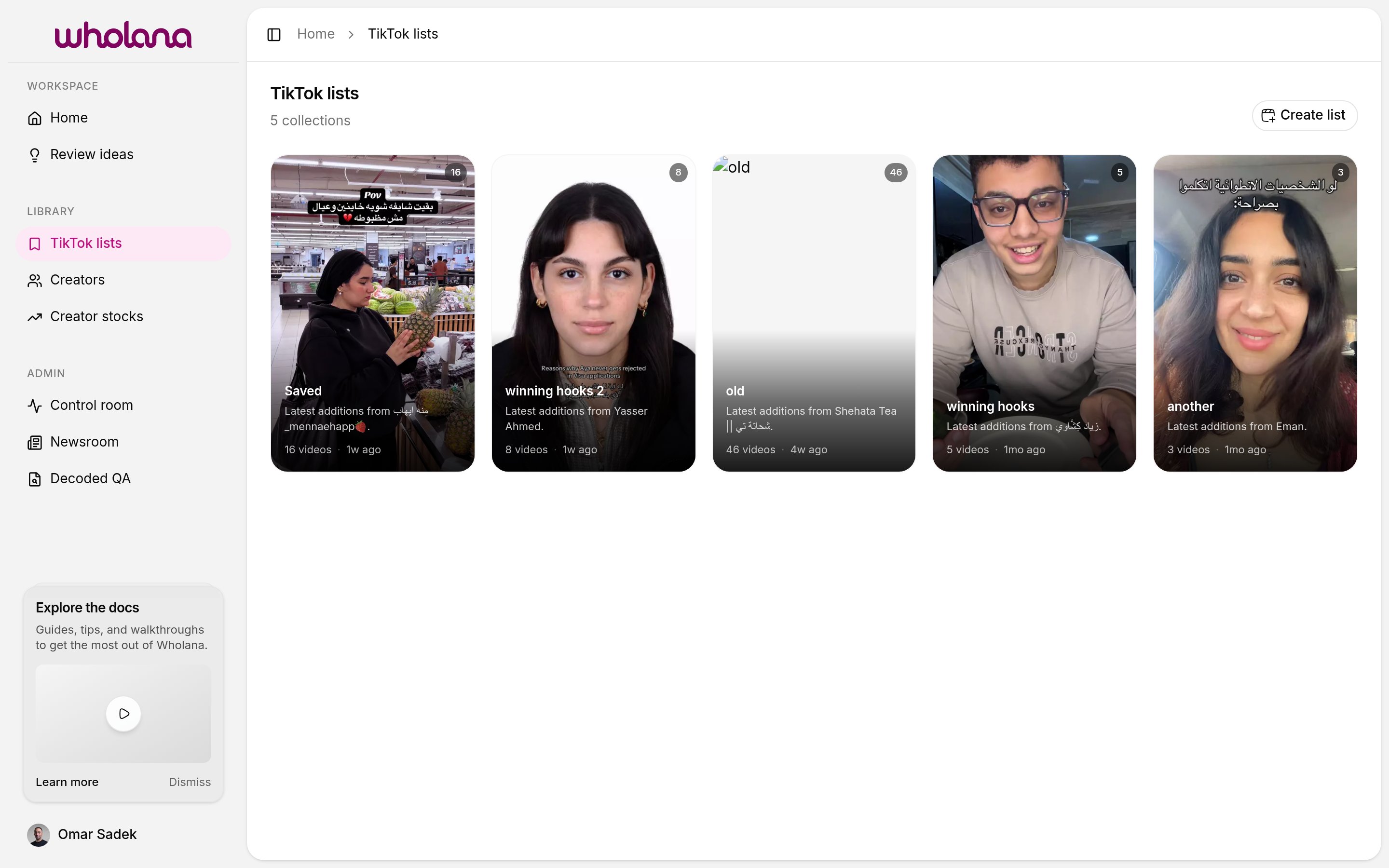
/lists) to see all your lists.
Lists vs ideas
Lists are not the same thing as saved ideas. The difference matters:- A list holds videos, grouped by theme. No note. Created by clicking the bookmark icon on a card.
- An idea is a single video plus a note. Created from the video’s detail view.
Saving a video to a list
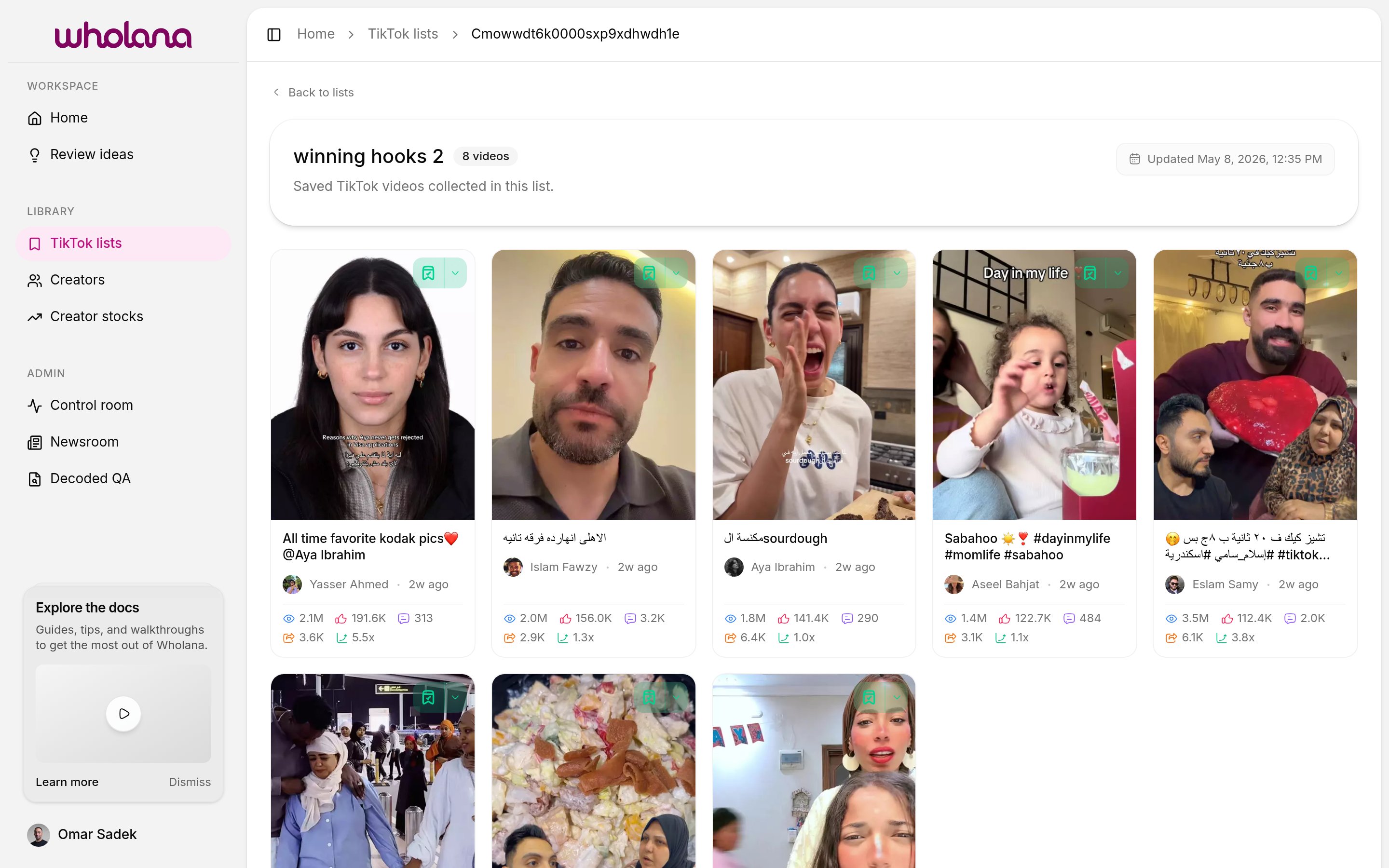
Every card in the Explore feed and on a creator’s page has a bookmark icon in the upper right. Two affordances:- Click the bookmark icon — saves the video to your most recently used list. Fast path.
- Click the dropdown chevron next to it — opens a menu of all your lists. Pick another list, or create a new one.
Naming lists
Lists are flexible. Common patterns:- By format —
talking-head hooks,POV intros,text-on-screen openers - By niche question —
what's working for small accounts,viral skincare hooks Q2 - By campaign — one list per active content sprint
- By client — one list per project, plus a separate reference list
Related
- Explore feed — where you save from
- Saved ideas — the deeper, note-attached save mechanism
- Creators — track creators whose videos you keep saving